Robot Reach Reinforcement Learning
Trained a PPO reach goal policy for UR10 robot using IsaacLab
In this project, I designed a robot arm using UR10 robot and gripper usds. I created joint links from UR10 to gripper creating an appropriate robot for simulation.
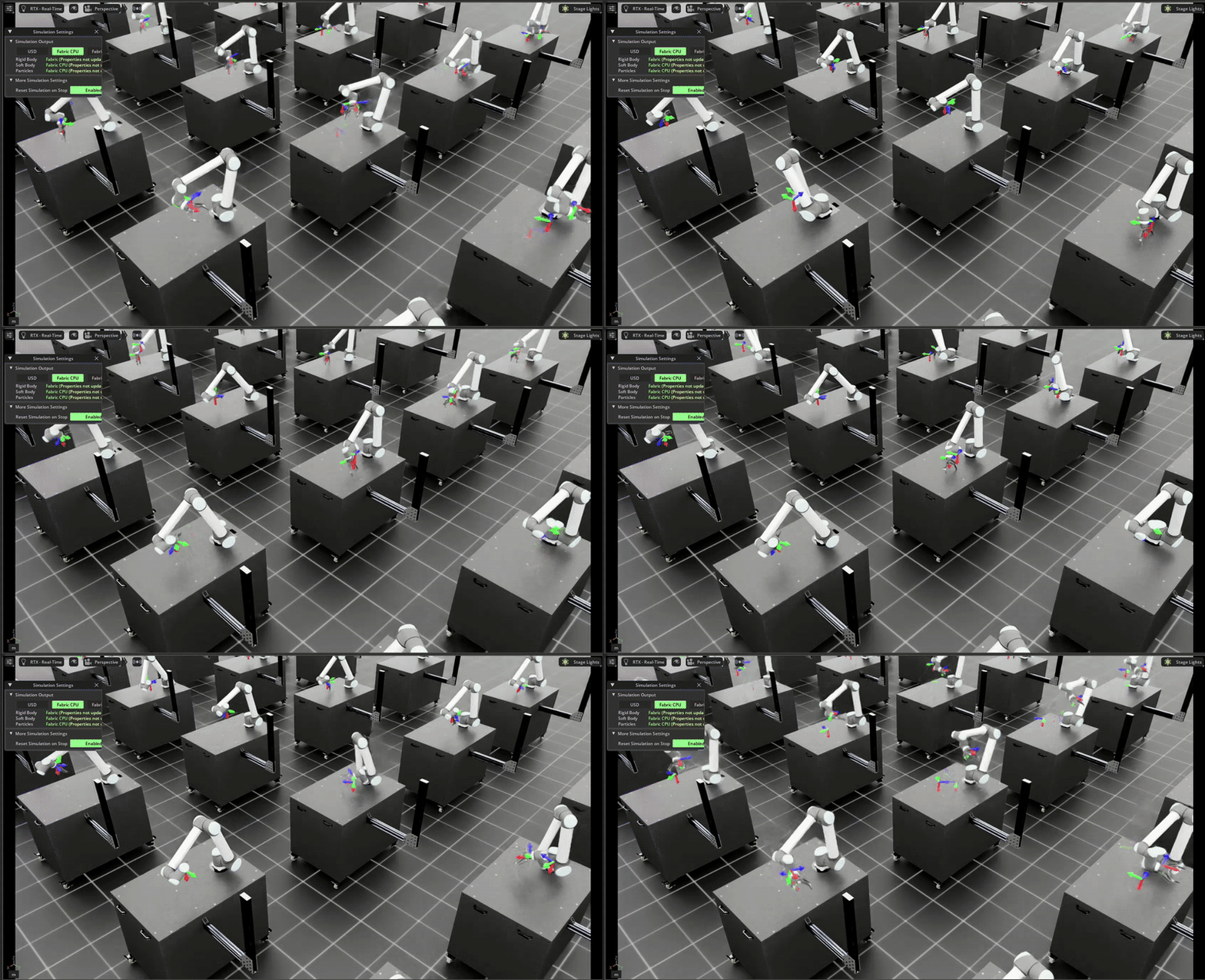
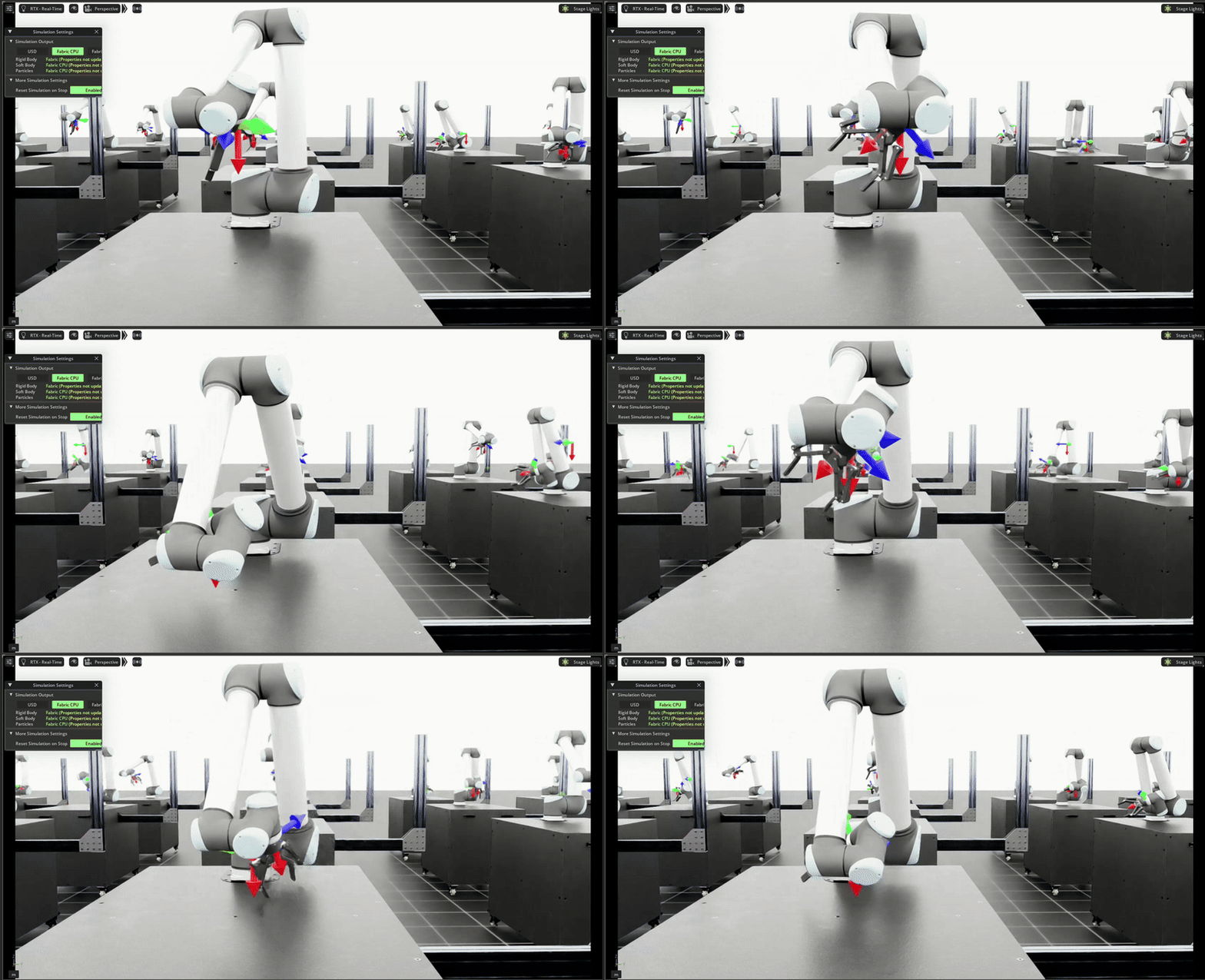
I trained a PPO reach policy that enabled the robot to reach the desired location on 2000 robotis at once using IsaacLab.
Robot Creation
For this project I needed a arm robot with a gripper attached. So I used a UR10 and fitted a gripper using IsaacSim's Robot Assembler tool. It made attaching a joint at the right pose really easy. Additionally, creation of a join was even easier!
Project Creation
IsaacLab has made RL project creation reall easy! There is a helper script ./isaaclab.sh which one can use to create a project with latest RL algorithms that support both Single agent and multi agent.
To create project just run ./isaaclab.sh --new; follow the installer to your liking and then install the project you created eg.python -m pip install -e source/Reach
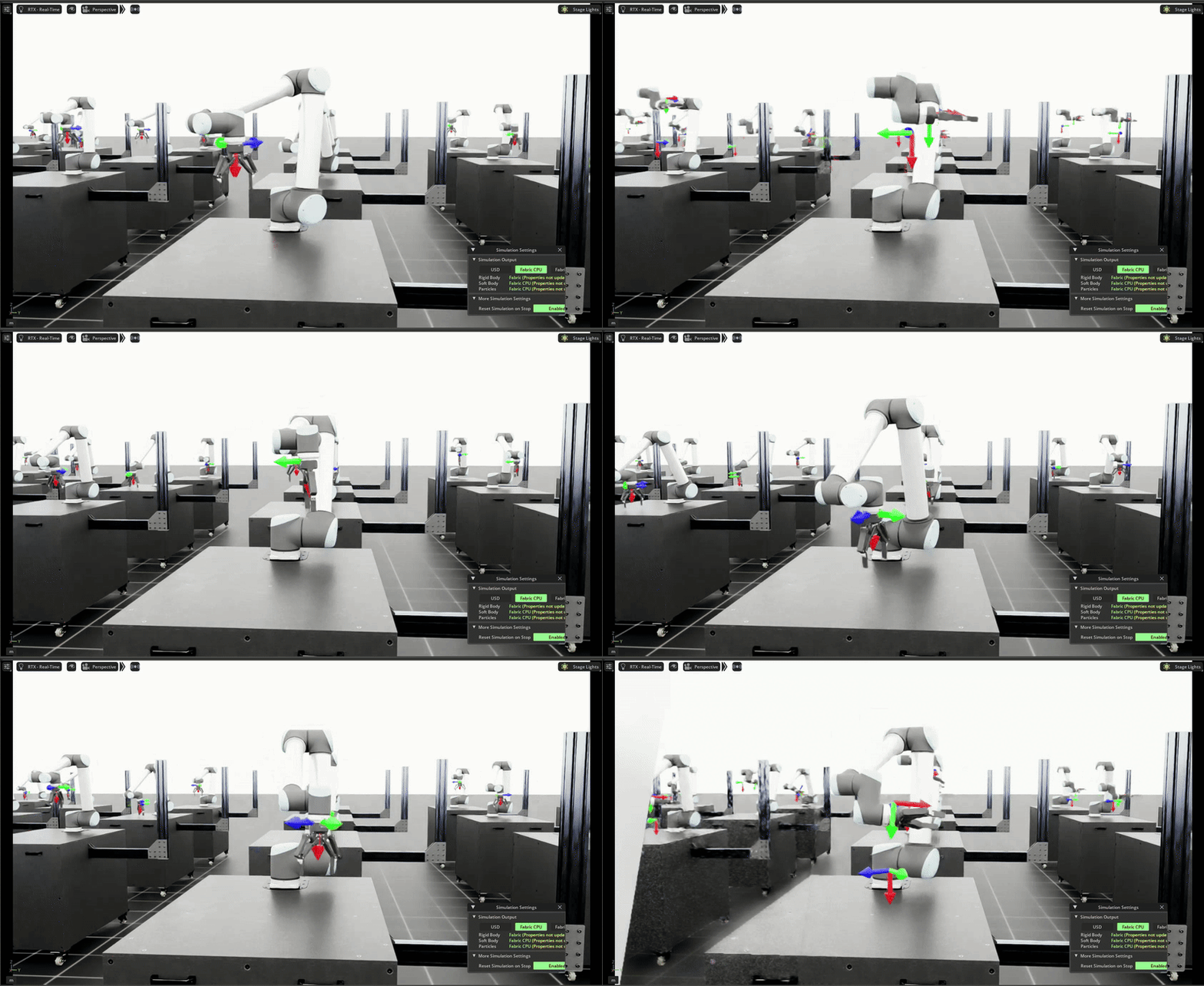
Robot Articulation
Create a file like ur_gripper.py at Reach/source/Reach/Reach/tasks/manager_based/reach. This file is were I created the articulation of the robot. ie robot location, initial pose and velocities, dampness adn joint definitions.
Training Environment Creation
I created a reach_env_cfg.py file. This file contains the following classes:
-
ReachSceneCfg
Defines the simulation scene: which assets (UR10, gripper, target markers) exist, their initial poses, scales, collision/physics properties, and how they’re spawned. In short, it lays out the world at reset.
-
ActionsCfg
Specifies the agent's action space and how policy outputs map to robot control (e.g., joint position/velocity/torque commands or end-effector Δpose). Includes limits, scaling, and optional action post-processing (clipping, smoothing).
-
CommandsCfg
Defines task-level goals or commands provided to the environment each episode (e.g., a target 3D position to reach). Often randomizes goals to improve generalization and can schedule command sources (fixed, random, scripted).
-
ObservationsCfg
Declares the agent's observations (state input): joint angles/velocities, end-effector pose, target pose, contact flags, optional vision features, etc. Also where you configure stacking, normalization, and observation filtering.
-
PolicyCfg
Describes the RL policy/model configuration: network architecture (MLP/CNN), hidden sizes, activations, and output dimensions matching the action space. May also include optimizer and learning-rate choices depending on the training stack.
-
EventCfg
Sets up events that perturb or randomize the environment (domain randomization, pushes, lighting/texture changes) at reset or on timers. Useful for robustness and sim-to-real transfer.
-
RewardsCfg
Defines the task's reward function: weighted terms such as distance-to-target, alignment/orientation, action penalty, smoothness, success bonus, and failure penalties. Drives the behavior the policy learns.
-
CurriculumCfg
Implements curriculum learning: starts easier (e.g., closer targets, fewer disturbances) and gradually increases difficulty as performance improves by adjusting randomization ranges, success thresholds, or time limits.
-
TerminationsCfg
Lists episode termination conditions: success (target within tolerance), failure (out-of-bounds, singularity, instability), or timeout (max steps). Controls when the env resets and logging of outcome labels.
-
ReachEnvCfg
The top-level environment configuration that composes all the above configs. Also where you set global sim params (dt, substeps), number of parallel envs, and task-specific toggles. It’s the “master recipe” for the reach task.
Rewards
Now that the core skeleton of the simulation is done, I had to design a reward logic for the Reinforcement Learning. I created 2 reward functions:
- position_command_error: This reward function calculates the distance of the end effector from the commanded position and uses that as the negative reward.
- orientation_error: This reward function calculates the magnitude of the quaternion distance between the end effectors orientation and the commanded orientation and uses that as the negative reward.
skrl_ppo Config
For this project I used Skrl PPO backbone that is supported by IsaacLab. You can find my working config for this at https://github.com/eltonlemos/ReachRobot/blob/main/agents/skrl_ppo_cfg.yaml
Notes and Comments
In this project I was able to learn how to assemble a robot using IsaacSim's Robot Assembler
I was able to create a Simulation environment and train a policy on 2000 robots at once!
I am really impressed by how easy IsaacLab makes it to use RL backbone libraries on their platform.